Small Ships Mod Compatibility: Modpacks and Shaders
How it fits into a modpack, and how it differs from physics-based ship mods like Valkyrien Skies.
Read moreMost problems come from a version mismatch or the wrong file. Work through these checks in order.
Most Small Ships Mod problems come from a handful of causes. Work through these checks in order before reinstalling everything.
.jar, not a .zip source archive.You are probably launching the vanilla profile. Pick the Forge profile in the launcher. Also check the file landed in the mods folder of the instance you are actually running; launchers that keep separate folders per instance catch many people out.
The server and your client must run the same version of the mod. Ask the server owner which file they use and install exactly that one.
Update to the latest file for your Minecraft version and test without other mods. If the problem stays, it may be a known bug; check open issues on the GitHub repository.
Open .minecraft/crash-reports and look for the first line that mentions a mod name. When you report an issue, attach this file along with your Minecraft, Forge and mod versions.
Ready to set sail?
Get the mod and follow the five-step setup.
How it fits into a modpack, and how it differs from physics-based ship mods like Valkyrien Skies.
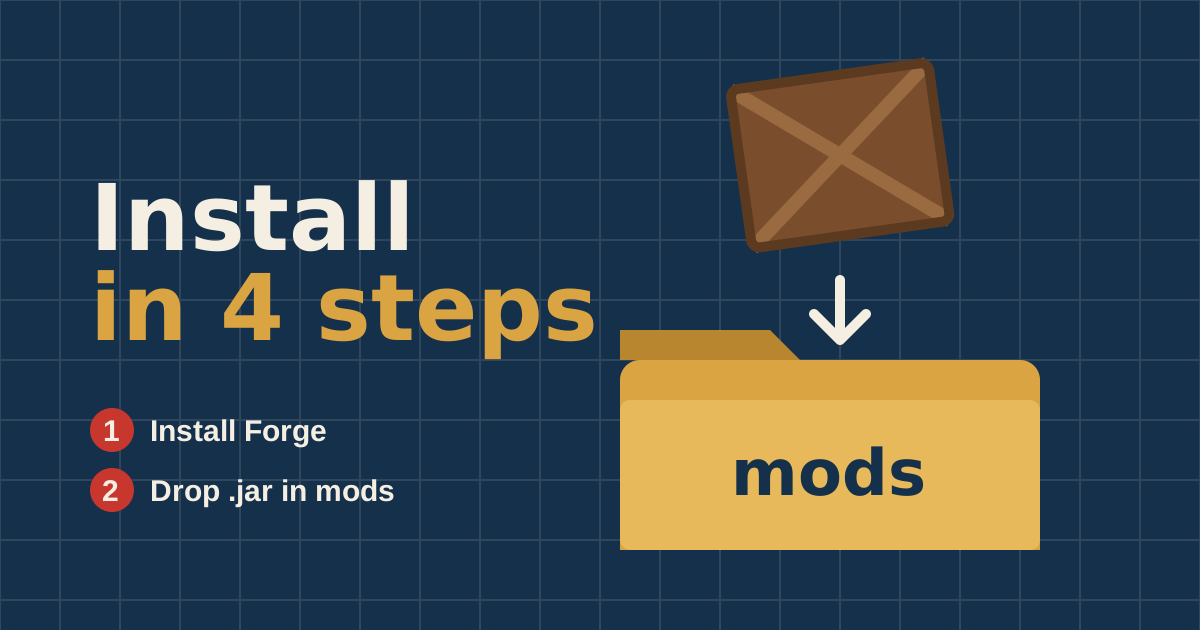
Read moreMatch your Minecraft and Forge versions, place one file in the right folder, and you are sailing in under ten minutes.
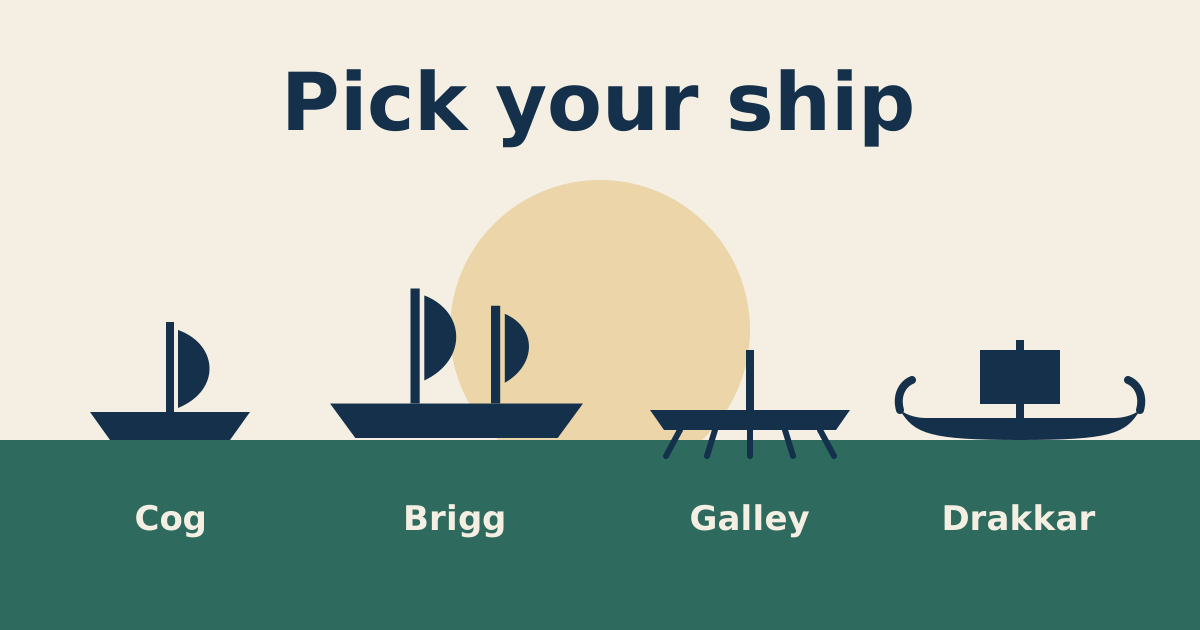
Read moreFour hulls, four jobs. A plain comparison of which ship to build first and which to save for later.
Read more